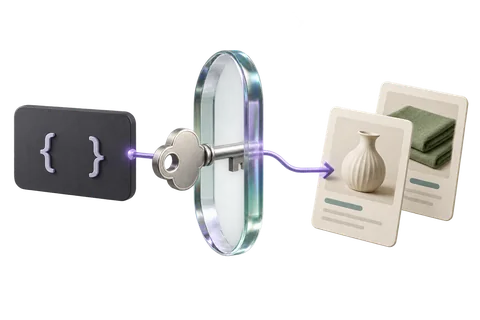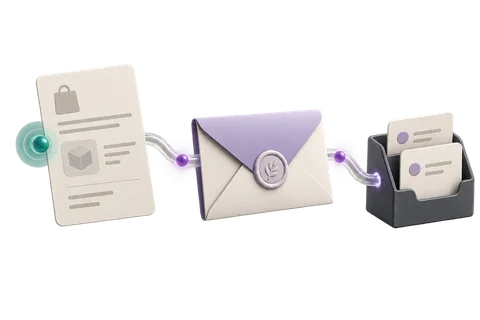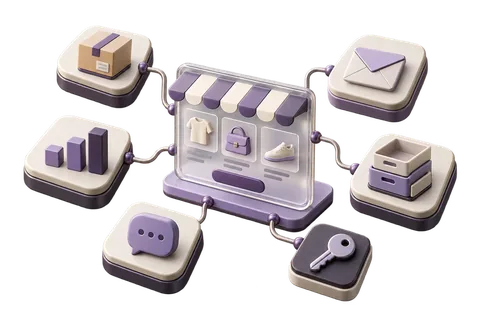

Most growing Indian brands have a patchwork of systems: a LetBuyy store, a Tally ERP, a Google Sheets inventory tracker, a Razorpay dashboard, and a WhatsApp Business account. Integration connects these into one data flow.
Common Integration Recipes

LetBuyy ↔ Tally ERP
Sync orders to Tally as sales vouchers, customers as ledgers, and products as stock items. Use webhooks (order.created) to push data in real time, and the API to backfill historical data.
LetBuyy ↔ Google Sheets
Pull daily orders via the API into a Google Sheet for team reporting. Use Google Apps Script on a daily trigger to call the LetBuyy API and append new orders. 20 lines of code.
LetBuyy ↔ Shiprocket
LetBuyy has a native Shiprocket integration. For custom courier integrations: use order.created webhook to push order details to your courier's API, receive AWB back, and update LetBuyy via the orders API.
Sync Patterns
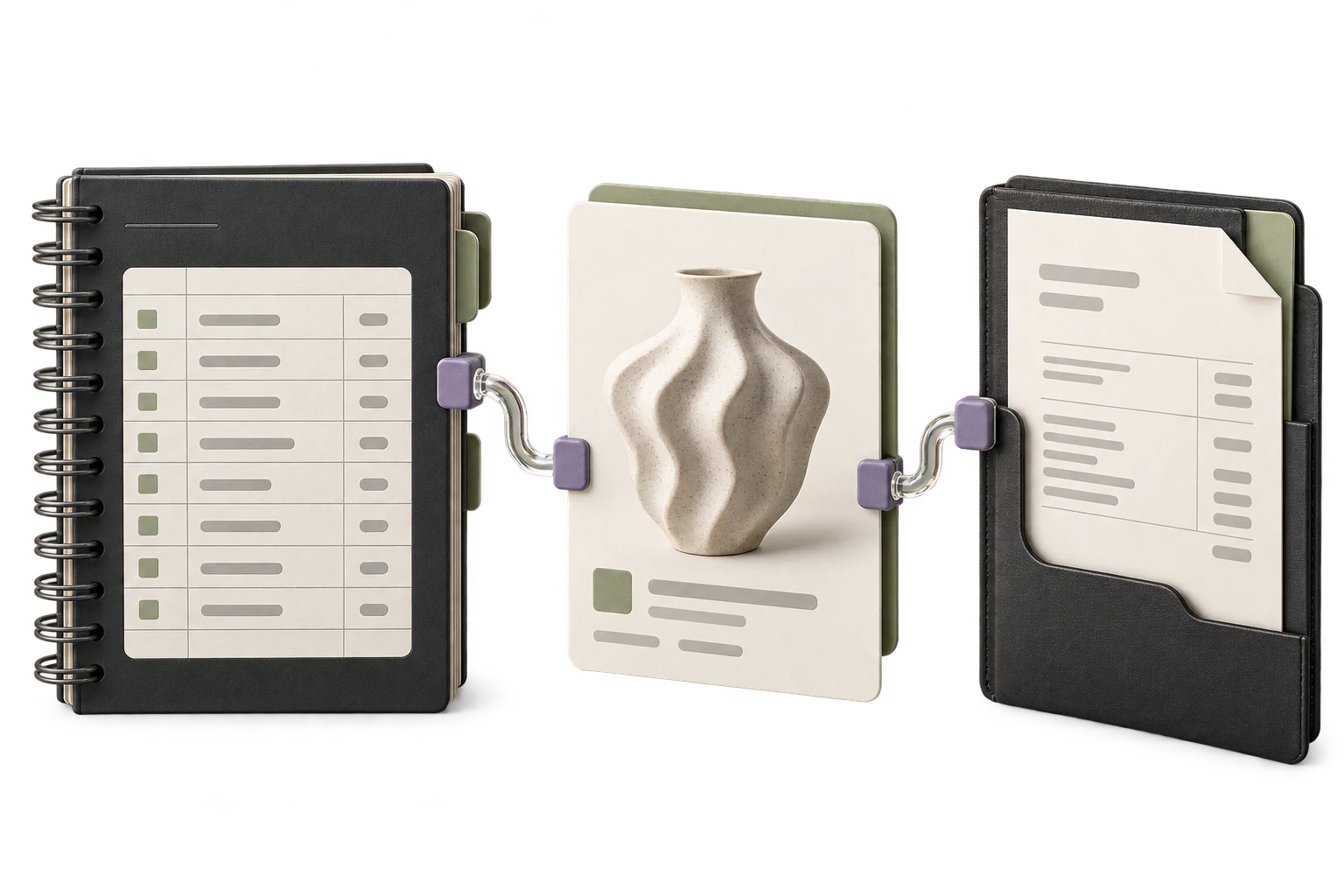
- Real-time (webhook-driven): Best for orders, payments, inventory changes
- Near-real-time (polling every 5 min): Acceptable for customer data sync
- Daily batch (cron job): Appropriate for reporting and analytics exports
- On-demand (manual trigger): For one-off data migrations
// Example: Order webhook → Tally voucher
async function handleOrderCreated(order: LetbuyyOrder) {
  const voucher = mapOrderToTallyVoucher(order)
  await tallyClient.createSalesVoucher(voucher)
  // Mark order as synced in your DB
  await db.integrationSync.upsert({
    where: { externalId: order.id, system: "tally" },
    create: { externalId: order.id, system: "tally", syncedAt: new Date() },
    update: { syncedAt: new Date() },
  })
}
Queue Workers for Reliability
Don't call third-party APIs synchronously in your webhook handler. Push to a queue (Cloudflare Queues, Bull, or SQS), process async. This makes your integration resilient to third-party downtime.