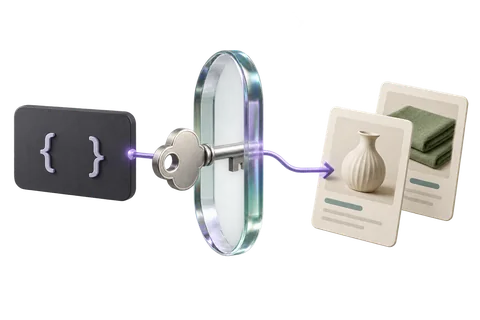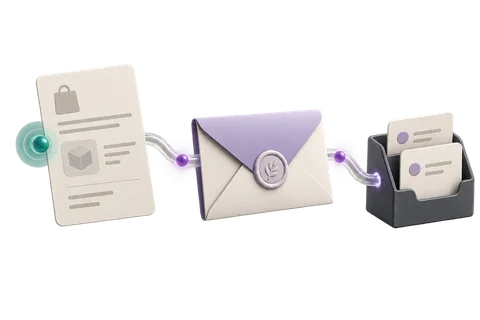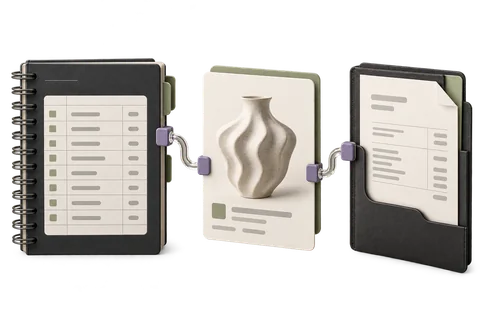
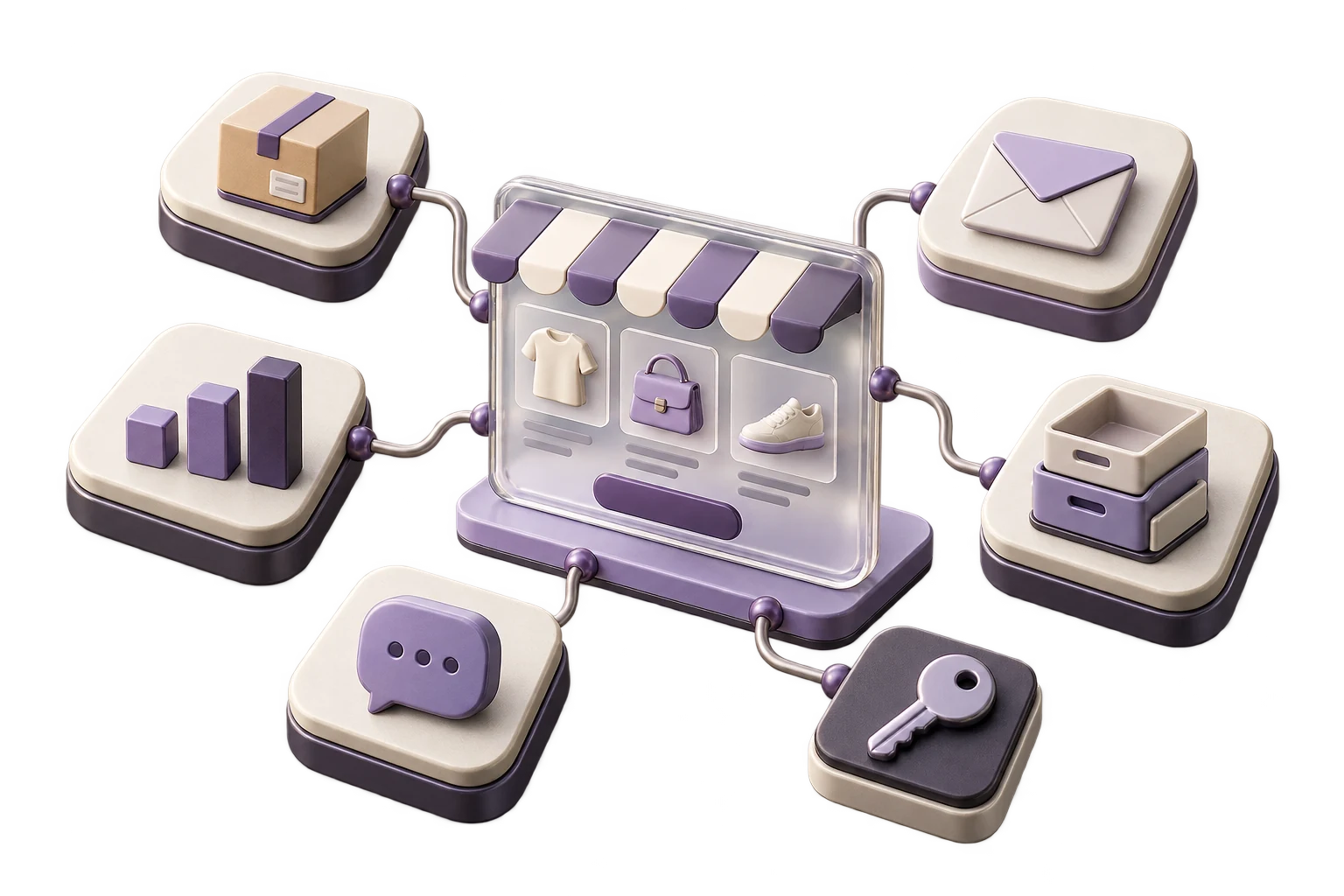
A LetBuyy App is a web application that merchants install from the App Marketplace. It gets access to store data via OAuth 2.0, can embed a UI inside the Merchant Control Plane, and can listen to events via webhooks.
App Types
- Public Apps: Listed in the App Marketplace, installable by any merchant
- Private Apps: Created for a single store, not listed publicly
- Custom Apps: Built for a specific merchant group (e.g. a 3PL) with restricted access
Step 1: Register Your App
Create an app in the LetBuyy Developer Portal. You'll get a Client ID and Client Secret. Set your OAuth callback URL — this must be HTTPS in production.
Step 2: Implement OAuth 2.0
// Step 1: Redirect to LetBuyy OAuth
const authUrl = `https://accounts.letbuyy.com/oauth/authorize?
  client_id=${CLIENT_ID}&
  redirect_uri=${REDIRECT_URI}&
  scope=orders:read products:write&
  state=${generateState()}`

// Step 2: Exchange code for tokens
const response = await fetch("https://accounts.letbuyy.com/oauth/token", {
  method: "POST",
  body: JSON.stringify({
    grant_type: "authorization_code",
    code: req.query.code,
    client_id: CLIENT_ID,
    client_secret: CLIENT_SECRET,
    redirect_uri: REDIRECT_URI,
  })
})
const { access_token, refresh_token, site_id } = await response.json()
Store Tokens Securely
Store access_token and refresh_token encrypted at rest. Never log them. Rotate refresh tokens on every use. Token exposure = full store access for the attacker.
Step 3: Embed Your UI
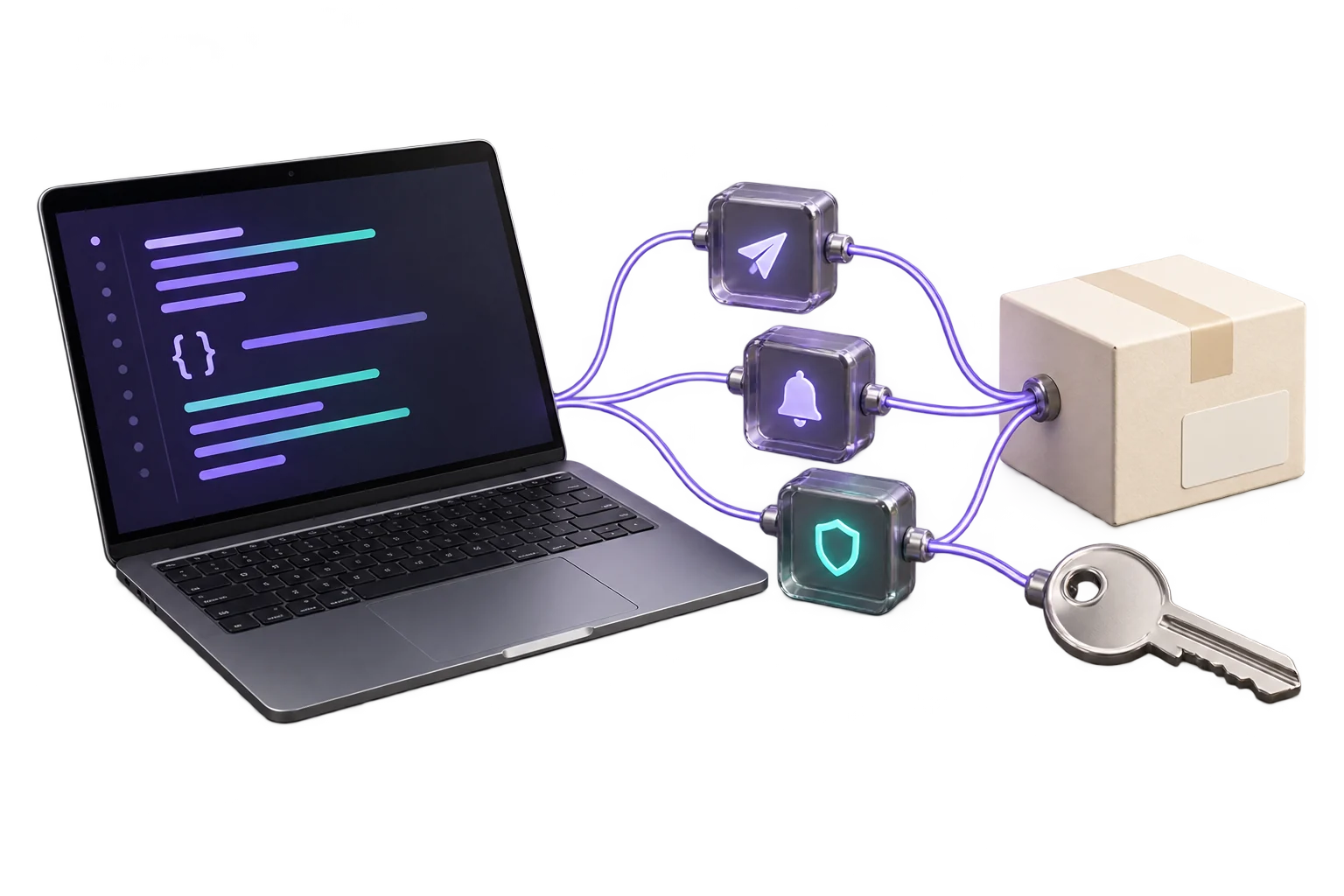
LetBuyy's App Bridge lets you render your app UI inside the Merchant Control Plane. Your app loads in an iframe, and App Bridge provides authenticated communication between your app and the MCP host.
Step 4: Submit to the Marketplace
- Complete the app listing: name, description, screenshots, pricing
- Pass LetBuyy's security review (automated + manual)
- Provide a test store for the review team
- Sign the LetBuyy Partner Agreement
- Typical review time: 5–10 business days