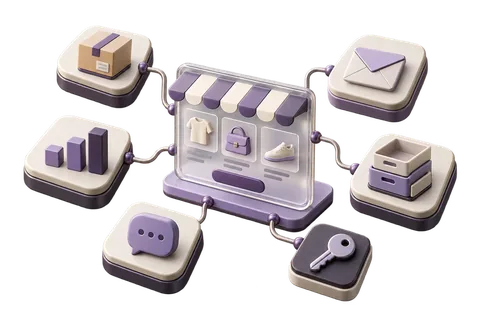

The Merchant Control Plane (MCP) is your commerce headquarters. Everything about your store — products, orders, customers, inventory, analytics, settings, and AI — lives here.
Dashboard: Your Daily Command Center
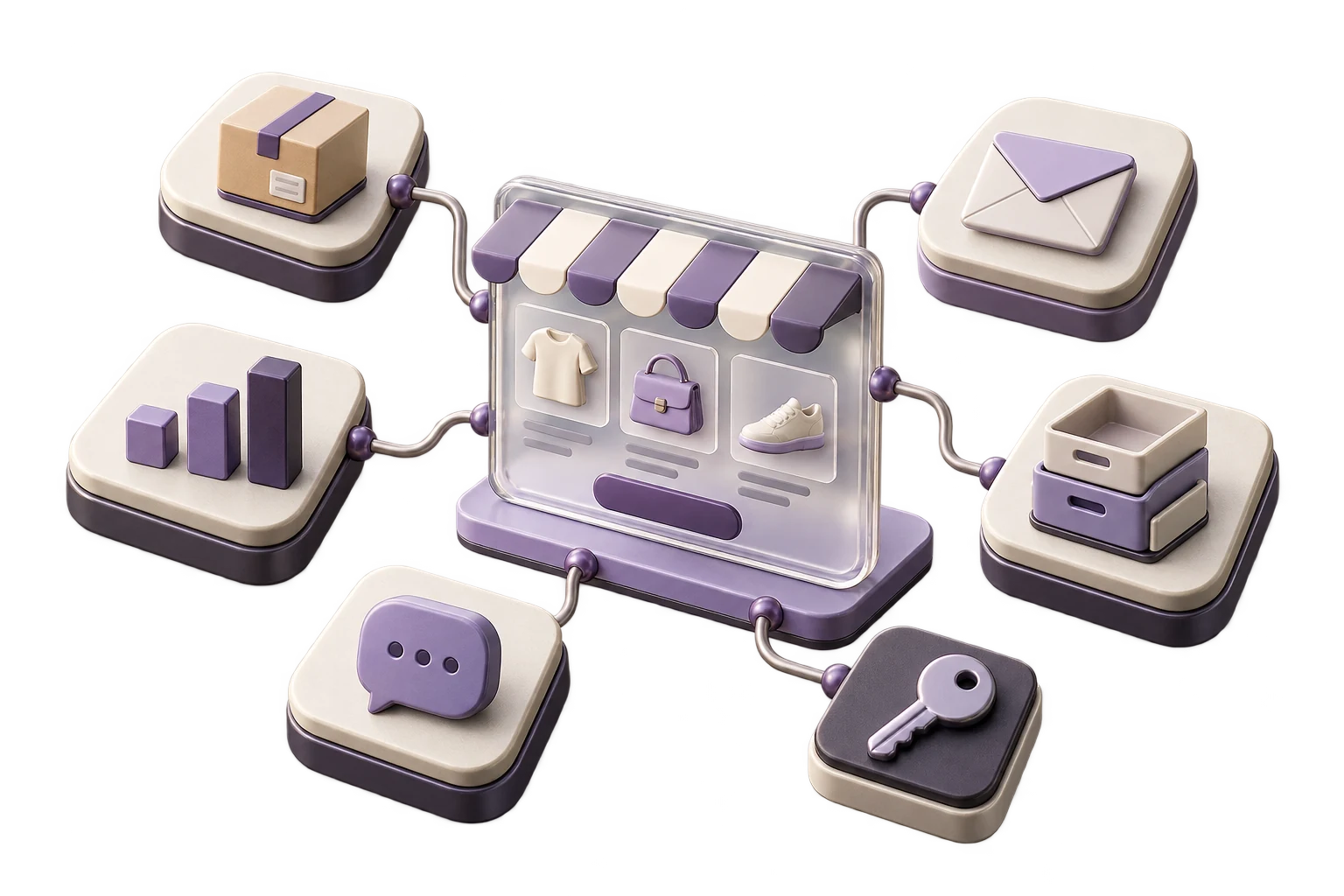
The dashboard opens on today's key metrics: revenue, orders, conversion rate, and average order value. Below the metrics, you'll see: pending orders requiring action, low stock alerts, recent customer messages, and your AI Copilot feed.
Products Module
- Products: Create, edit, organize, and bulk-update your catalog
- Collections: Group products by category, season, or campaign
- Inventory: Track stock levels across all locations
- Purchase Orders: Create and track supplier orders
Orders Module

- All Orders: View, filter, and process all orders
- Fulfillment Queue: Prioritized list of orders to pick, pack, and ship
- Returns: Process and track return requests
- COD Orders: Manage cash collection and confirmation
Customers Module
Search customers by name, phone, or email. View their full purchase history, LTV, and average order value. Tag customers for segmentation (loyalty tier, city, acquisition channel). Export for WhatsApp or email campaigns.
Analytics Module
- Revenue: Daily, weekly, monthly trends with year-over-year comparison
- Products: Best sellers, slow movers, and margin analysis
- Customers: New vs. returning, geographic distribution, acquisition sources
- Conversion: Funnel analysis from landing to purchase
Keyboard Shortcut
Press Cmd+K (Mac) or Ctrl+K (Windows) anywhere in the MCP to open the AI Copilot. Type any question about your store in plain language.